A session that fits
Choose home, a small gym or a large gym, then your duration and energy level.
FITNESS, AT YOUR PACE
At home or at the gym. A focused workout that fits your location, time and energy.
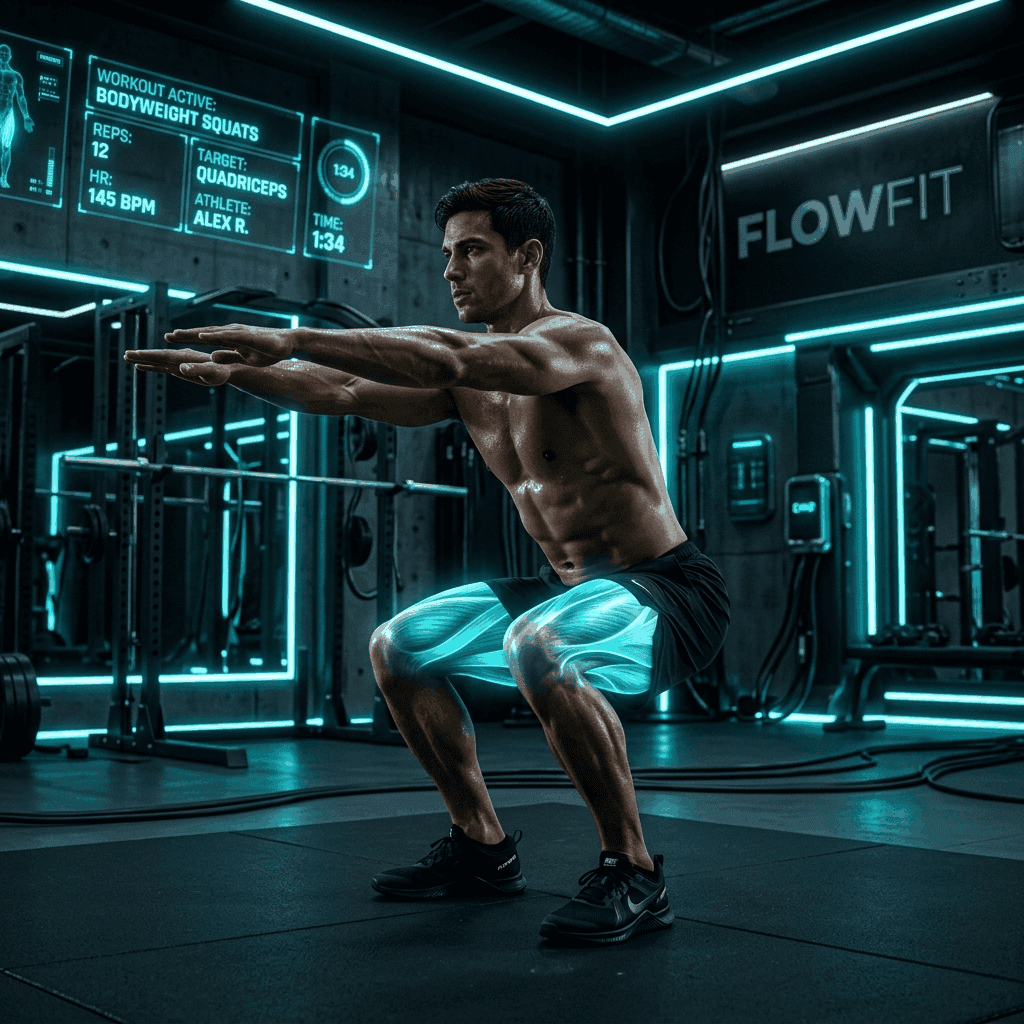
The new design and expanded language support shown here are in development. Store versions may differ.
LESS FRICTION, MORE MOVEMENT
Set your conditions, choose a session and focus on the next movement.
Choose home, a small gym or a large gym, then your duration and energy level.
Exercise images, instructions, set targets and rest intervals stay close at hand.
Explore ready workouts and multiweek programs, then open the next training day.
Review completed sessions, weekly activity and time spent training.
Equipment follows your location: bodyweight at home and all supported gym equipment for either gym option.
See the exercises and prescribed sets before you begin.
Follow the player, take your rest and review the session in your history.
HEP FIT PREMIUM
Explore Premium in the app. Your store shows the current price, billing period and any trial you are eligible for before purchase.
See your local store priceSubscriptions are managed through the App Store or Google Play. Available offers and features depend on the installed version and store.
Yes. Choose Home when creating a workout to use bodyweight exercises. Small Gym and Large Gym use all supported gym equipment; there is no separate equipment selector.
Images load from the cloud and may be cached after viewing. A local muscle template is shown when an image is unavailable. A first-time download needs an internet connection.
Open your Apple App Store or Google Play subscription settings. The store shows renewal, cancellation and billing details.
Training preferences and session history are stored locally. Account sign-in, subscription verification and submitted feedback use online services. See the Privacy Policy for details.
The next app update and this website support English, Turkish, German, French, Spanish, Hindi, Portuguese and Arabic. Exercise content uses available FlowFit translations; missing content falls back to its source language.
Start with your location, time and energy today.